Hearts of Iron IV for the Galleon 100 SD
V1All 99 Hearts of Iron IV shortcuts on your Stream Deck: Air (18), Map Modes (16), Navy (16) + 4 more. One-click install, Windows.

- 99
- Shortcuts
- 7
- Groups
- Windows
- Platforms
- Gaming
- Category
By trade 12
Games 58
Plugins 17
Bundles 10
All 99 Hearts of Iron IV shortcuts on your Stream Deck: Air (18), Map Modes (16), Navy (16) + 4 more. One-click install, Windows.
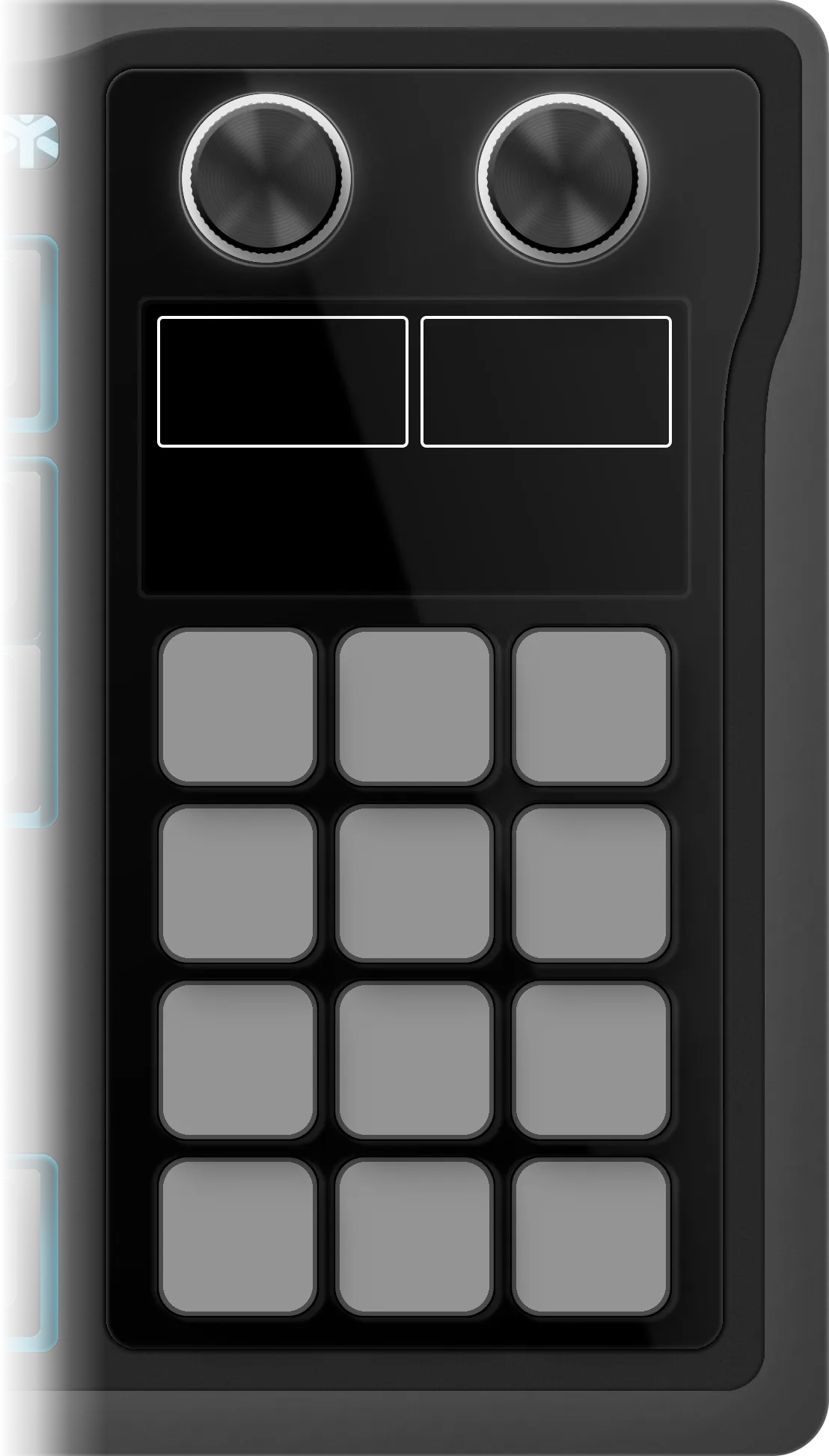
The edition as it installs on the Galleon 100 SD: 7 folders on its 12 keys, 99 shortcuts inside them. Press a folder or turn the left dial to walk them, turn or push the dials to see what they do.
Hearts of Iron IV
€4.99 Get it on Elgato Open this deck on its own page →
This profile's own key art, drawn by the same code that builds the files you install — and a starting point, not a fixed layout. Once it is imported, every key, folder and page is yours to move, rename, re-icon or delete in the Elgato Stream Deck app. What this page cannot be is the rest of the box: one theme of the ones it ships, one board, one platform's key combinations.
Every published revision of this profile, newest first — what changed and why, in the maker's own words.
v1.0 — Initial release for the Corsair Galleon 100 SD. 99 keys in 7 folders (Command, Army, Air, Cheats, Navy, Time & Camera, Map Modes) and 4 dial actions: folder flip (push for home), speed (Speed - / Speed +, push: Pause), a wheel of the Map Modes keys and zoom (Zoom Out / Zoom In, push: Pause). The game's art on the dial screen. No plugin to install.
Every action in the profile with its key combination, grouped as it is on the device.
| Action | Windows |
|---|---|
| Airforce Overview | L |
| Split | D |
| Merge Air Wings | G |
| Merge Air Groups | O |
| Select/Deselect All | A |
| Select Half | S |
| Hold Order | H |
| New Wing | N |
| Pilot Exercises | K |
| Pilot Exercises Until Trained | SHIFT K |
| Air Superiority Mission | Z |
| Close Air Support Mission | X |
| Interception Mission | C |
| Strategic Bombing Mission | V |
| Naval Strike Mission | B |
| Port Strike Mission | J |
| Logistics Strike Mission | CTRL R |
| Kamikaze Strike Mission | CTRL B |
| Action | Windows |
|---|---|
| All Possible Map Modes | CTRL F1 |
| Search (Find) | F |
| Default | F1 |
| Strategic Navy | F2 |
| Strategic Air | F3 |
| Supply | F4 |
| Terrain | F5 |
| Resistance | F6 |
| Compliance | F7 |
| Resource | F8 |
| Infrastructure | F9 |
| Factions | F10 |
| Unit Counters | M |
| Counter Colors | COMMA |
| Allied Battleplans | PERIOD |
| Day/Night | N |
| Action | Windows |
|---|---|
| Navy Overview | P |
| Split | D |
| Select Half | S |
| Merge | G |
| Naval Exercises | K |
| Naval Exercises Until Trained | SHIFT K |
| Hold - Return to Port | H |
| Hold - Stay in Place | CTRL H |
| Patrol | Z |
| Strike Force | X |
| Convoy Raiding | C |
| Convoy Escort | V |
| Minelaying | B |
| Minesweeping | SHIFT B |
| Naval Invasion Support | A |
| Remove Region | DEL |
| Action | Windows |
|---|---|
| Division Overview | O |
| Exercise | K |
| Exercise Until Trained | SHIFT K |
| Front Line | Z |
| Offensive Line | X |
| Spearhead | SHIFT X |
| Fallback Line | C |
| Garrison Area | V |
| Delete Order | DEL |
| Select Half | S |
| Hold | H |
| Strategic Redeployment | B |
| Toggle Strategic Redeployment | CTRL B |
| Remove from Assigned Battleplan | CTRL H |
| Action | Windows |
|---|---|
| Instant Construction | — |
| Instant Training | — |
| Instant Focus | — |
| Research All | — |
| +1000 Political Power | — |
| +1M Manpower | — |
| +10k Fuel | — |
| +1000 XP | — |
| +1000 Equipment | — |
| +5 Nukes | — |
| Free Diplomacy | — |
| AI Says Yes | — |
| +50 Stability | — |
| +50 War Support | — |
| Action | Windows |
|---|---|
| Government | Q |
| Decisions | SHIFT Q |
| Intelligence Agency | SHIFT W |
| Research | W |
| International Market | E |
| Trade | R |
| Construction | T |
| Production | Y |
| Recruit & Deploy | U |
| Logistics | I |
| Officer Corps | SHIFT E |
| Action | Windows |
|---|---|
| Zoom In | HOME |
| Zoom Out | END |
| Toggle GUI | CTRL F9 |
| Save Map | CTRL F10 |
| Toggle Freeze Camera | CTRL SHIFT F10 |
| Screenshot | F11 |
| Toggle Pause | SPACE |
| Jump to Capital | BACKSPACE |
| Increase Game Speed | NUMPAD_PLUS |
| Decrease Game Speed | NUMPAD_MINUS |
99 shortcuts, grouped into 7 sets: Air (18), Map Modes (16), Navy (16), Army (14), Cheats (14), Command (11), Time & Camera (10).
Yes — it auto-paginates. Mini needs 20 pages, Neo needs 15 pages, MK.2 needs 8 pages, XL needs 4 pages, + needs 15 pages, + XL needs 3 pages.
Yes — completely. It installs as 7 folders holding 99 shortcuts, and every one of them is yours from that moment: in the official Elgato Stream Deck app you can drag a key to another slot, rename it, change its icon, move it between folders, add your own actions or delete what you don't use. The layout is a starting point, not a lock.
Windows only — every shortcut in it is a Windows combination. The install is one click either way.
Every review here was read and approved by the maker before it was published — good or bad, as written. Nothing is posted automatically.
No reviews of Hearts of Iron IV yet.
Bought Hearts of Iron IV? Leave a review Read by the maker before it's published.
Trouble installing it, a key that fires the wrong thing, or a shortcut Hearts of Iron IV changed in a recent version — that's ours to fix. The form arrives with Hearts of Iron IV already filled in.