What's new
Every release of the Deck Builder and Builder Pro, newest first. A deck you made before a release keeps working; export it again to get what the release changed in the profile.
-
Dials, two-state keys and the Galleon
The profile now carries everything a Stream Deck + has: the touch strip, and what each dial does. Toggles keep both their pictures, and the Corsair Galleon 100 SD joins the models.
Dials and the touch strip Builder Pro
On the Stream Deck + and + XL, the touch strip and the dials are in the profile. A dial can turn through two shortcuts and fire a third when pressed, or be the computer's volume, the music's tracks, the deck's pages or the Stream Deck's brightness. These are the Stream Deck app's own dial actions, so nothing else needs installing.
Two-state keys Builder Pro
A toggle (mute, camera, lights) goes into the profile with both its pictures and flips between them on each press.
State 1Each pressState 2 · onCorsair Galleon 100 SD
Design for its twelve keys, its two dials and the screen between them, and export the deck as a profile for it.
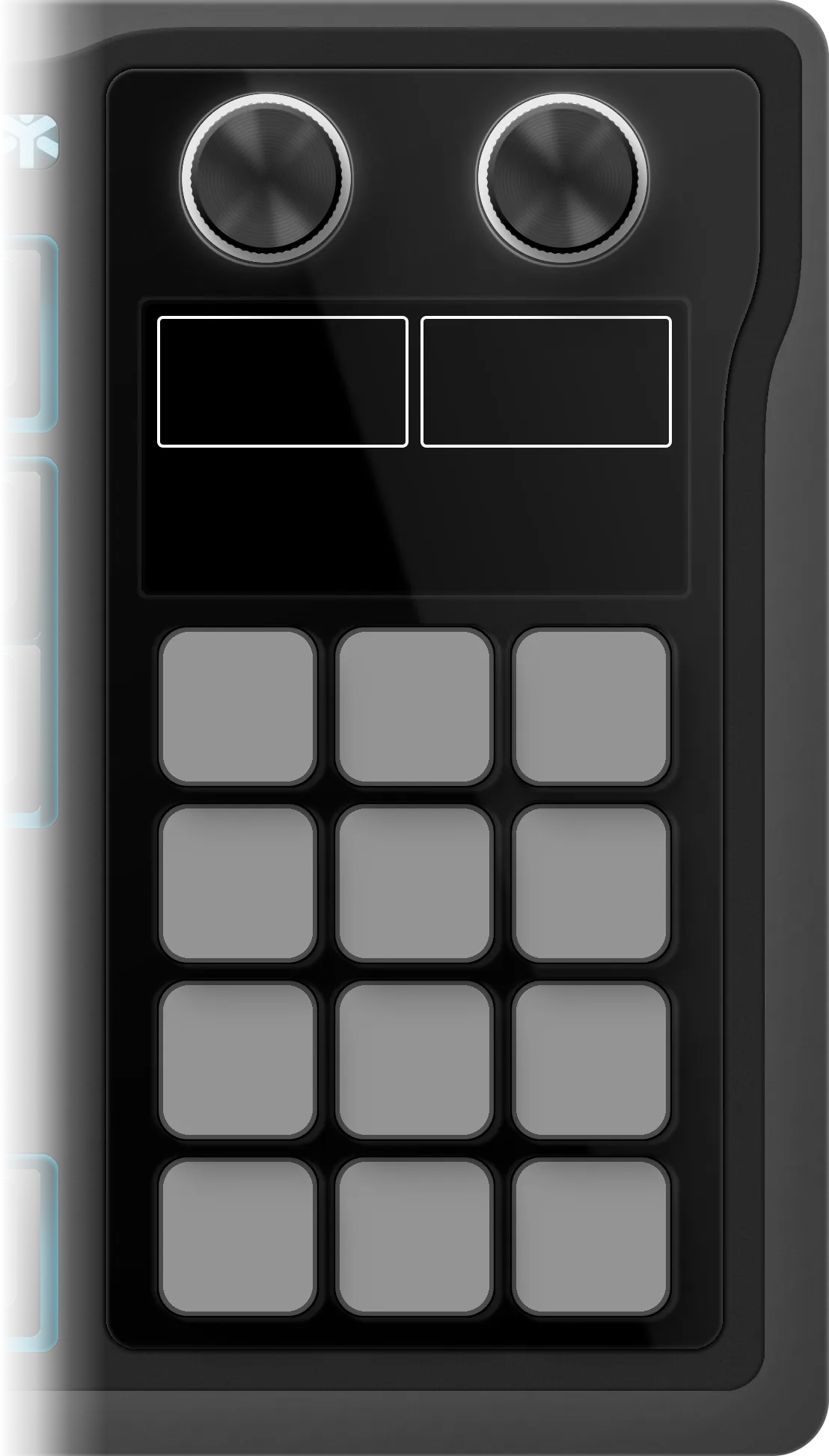
- 12 keys, 3 × 4
- 2 dials
- the screen between them
Windows, by the letter on the key Builder Pro
On Windows, a shortcut recorded on an AZERTY or QWERTZ keyboard now sends the letter printed on the key. Before, it sent the key in that position, so Ctrl+Z recorded on a German keyboard could reach Windows as Ctrl+Y. A shortcut recorded before this release keeps its old reading: record it again, then export.
German keyboard · the Z sits where QWERTY has its Y
- Before
- Ctrl+Y
- the key's position — redo
- Now
- Ctrl+Z
- the letter printed on it — undo
-
The shortcut library, three free decks, a tutorial
Shortcuts from the catalog's profiles, one click from any key, and a video that walks through the whole tool.
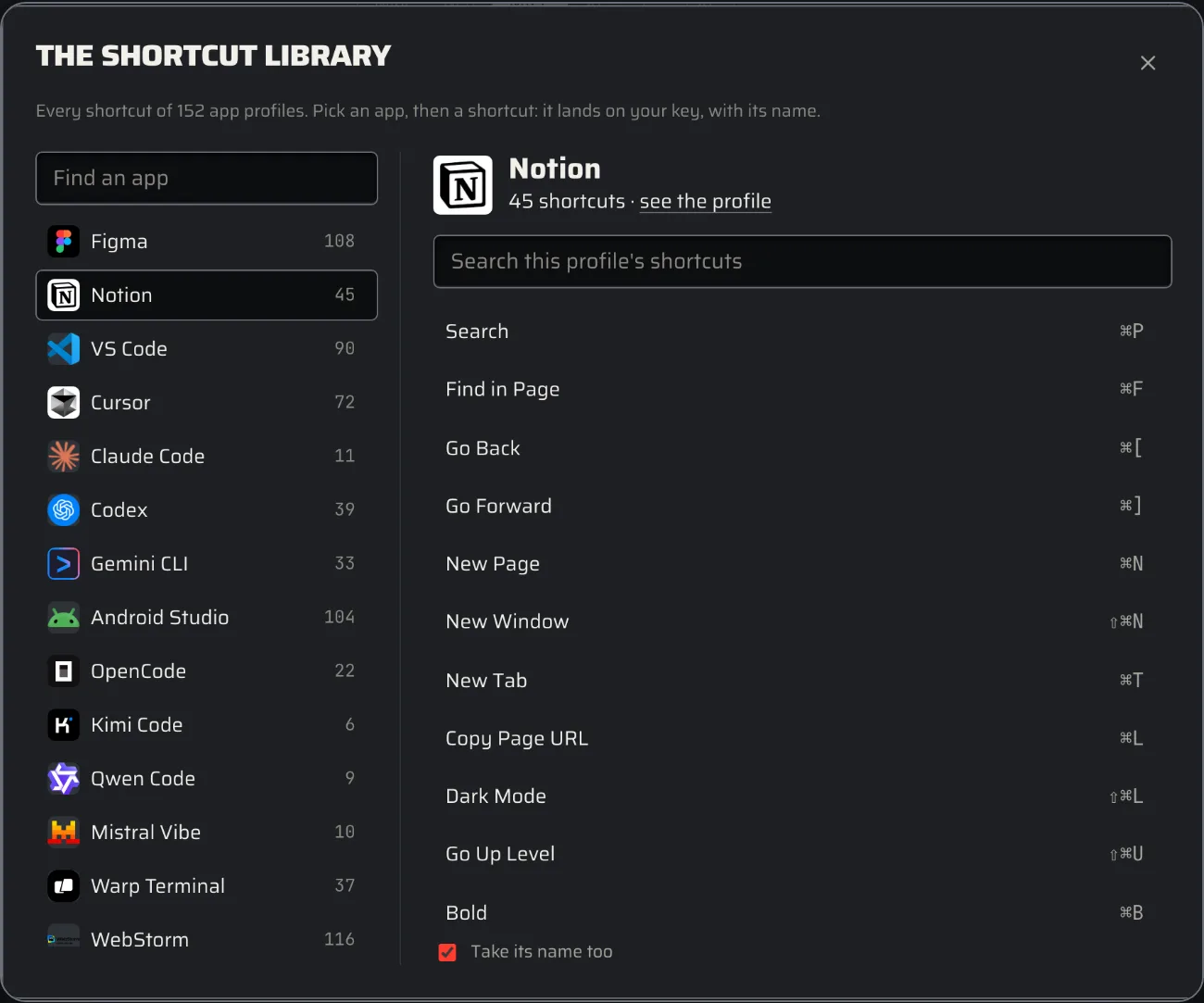
The shortcut library Builder Pro
Put any shortcut from the catalog's app profiles on a key in one click. The free apps are open to everyone; every other one comes with Builder Pro.
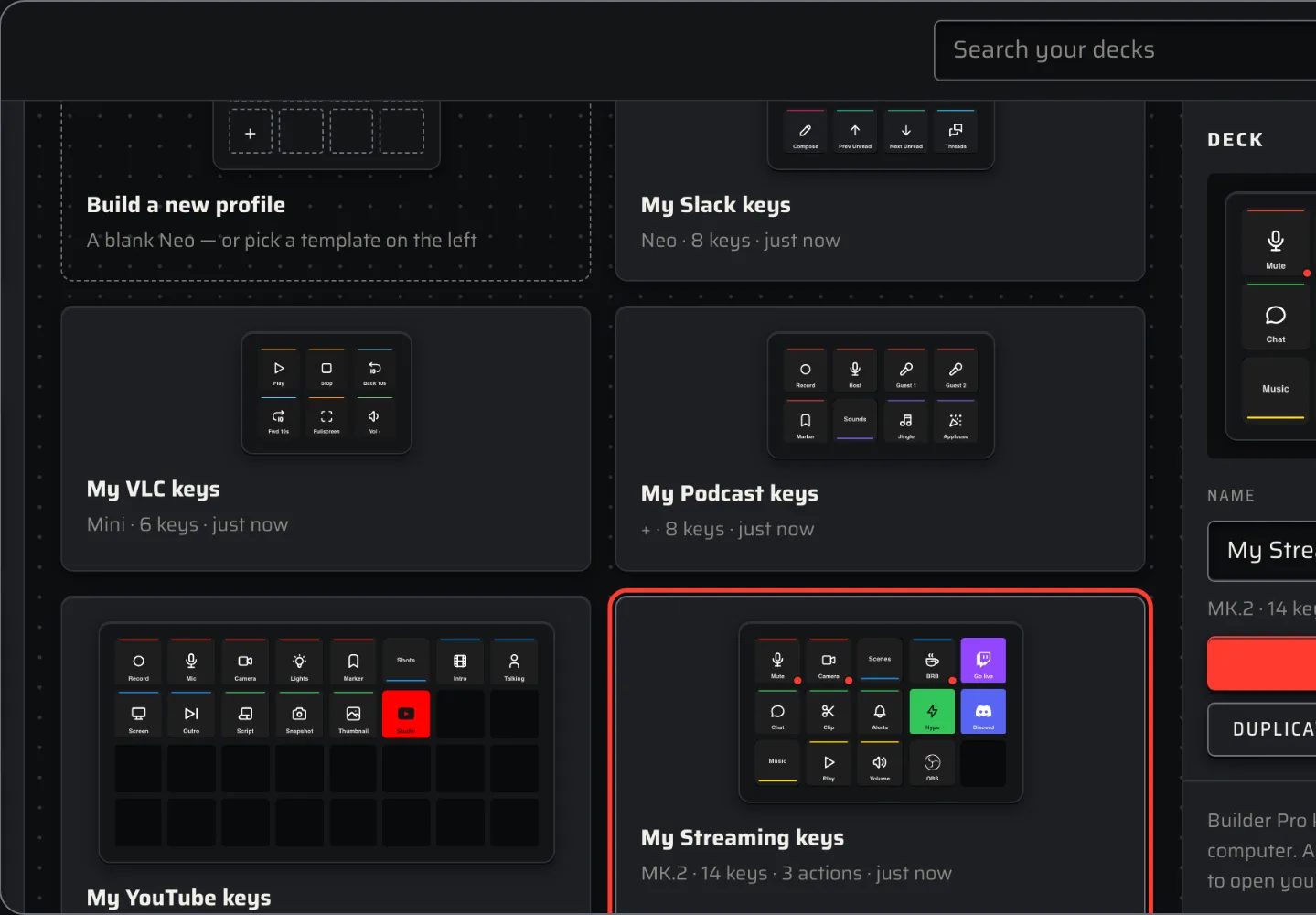
My decks
My decks keeps three decks for free; Builder Pro lifts the limit.
Pages by model
Three pages free on the models up to the MK.2, one on the XL and the + XL; Builder Pro takes any deck to ten.
The tutorial
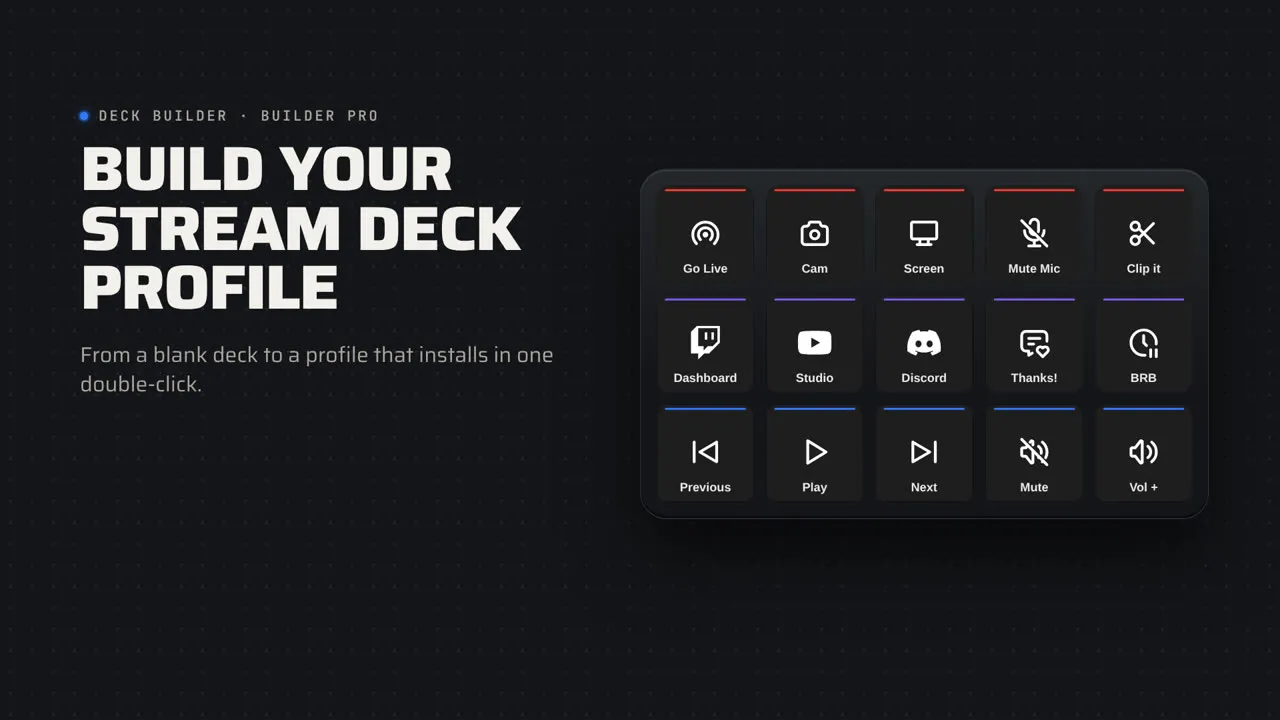
A three-minute tutorial, filmed on the Deck Builder itself, with chapters you can jump to from inside the tool.
-
Builder Pro
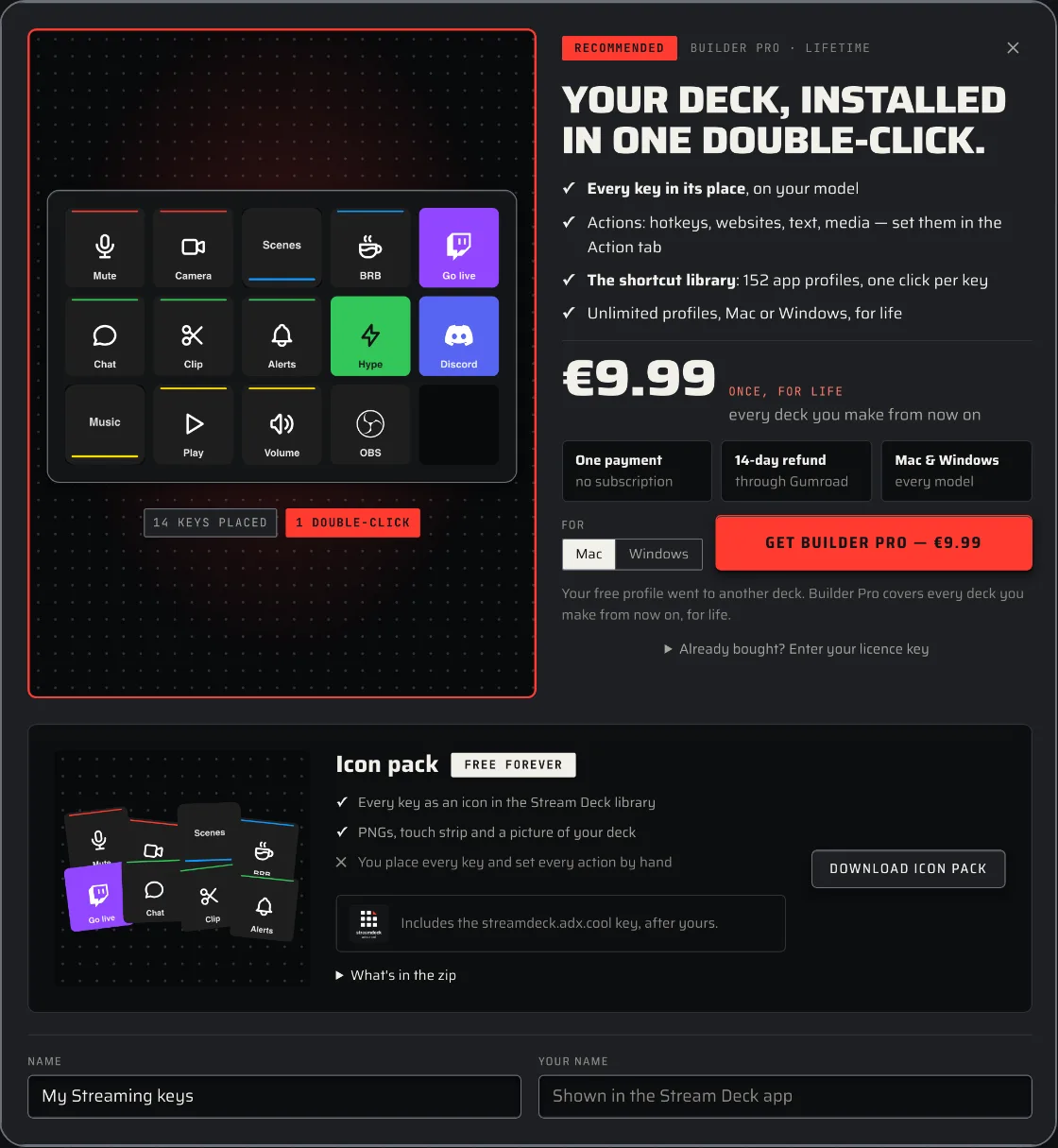
Every deck exports as a Stream Deck profile: double-click it and every key is in its place, with its picture and its action.
Profile export Builder Pro
A .streamDeckProfile the Stream Deck app installs in a double-click, for Mac or Windows. The first deck is free.
Actions Builder Pro
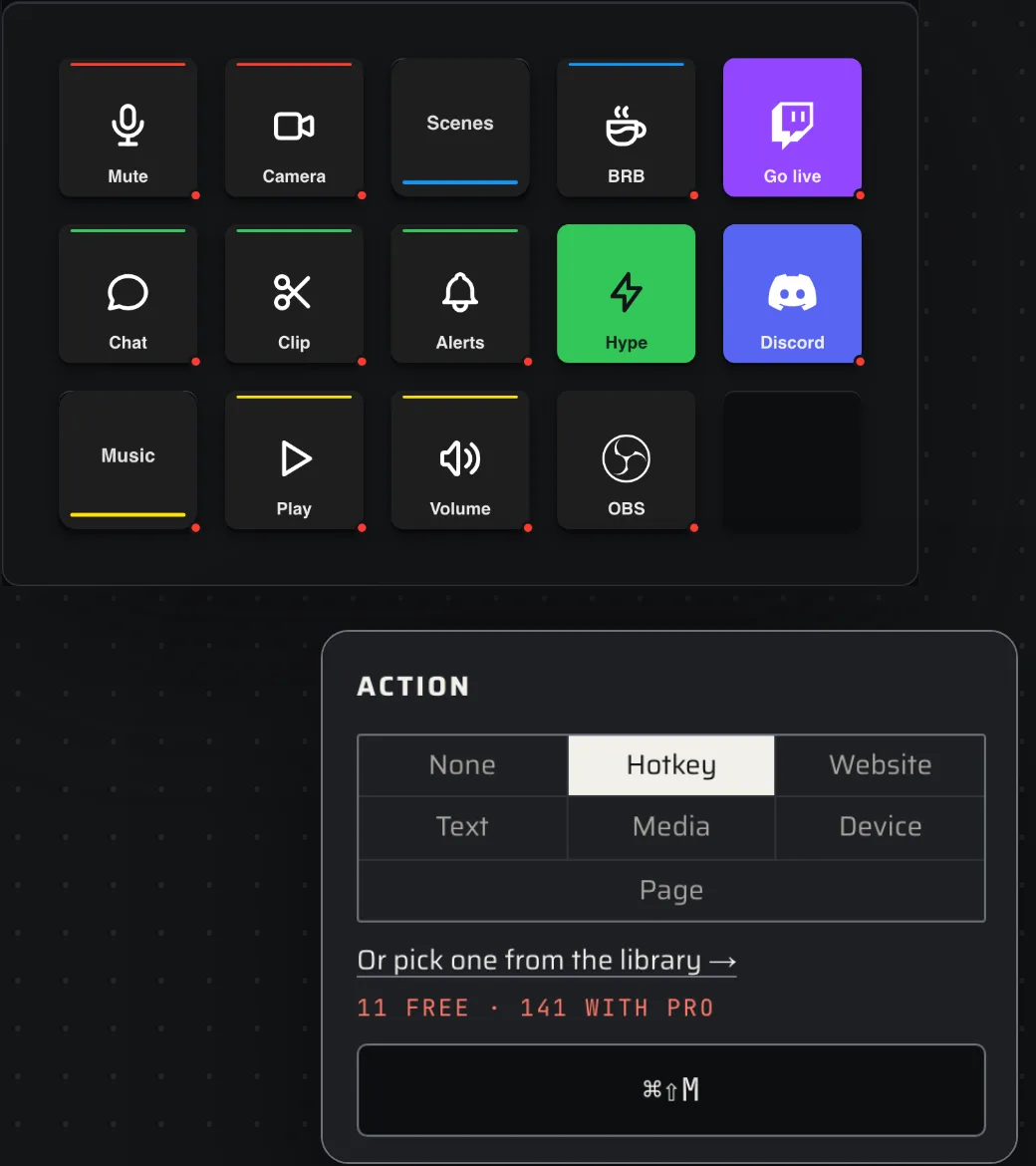
Every key can do something: a hotkey, a website, a text to type, play/pause and volume, the Stream Deck's brightness and sleep, and a jump to any page.
Sync Builder Pro
Your licence key brings your decks to every computer you use.
Pages
A deck can have several pages, with the previous and next arrows in the corners, the way the catalog's profiles have them.
Try it
The Deck Builder is free in your browser: design a deck, export it as an icon pack. Builder Pro makes it a Stream Deck profile, every action included — €9.99 once, for life.