Football Manager 27 for the Galleon 100 SD

V1

All 33 Football Manager 27 shortcuts on your Stream Deck: Bookmarks (12), Screens (10), Game (8) + 1 more. One-click install, Windows & macOS.

Football Manager 27 Stream Deck profile — the store artwork, showing its keys laid out on a deck
33
Shortcuts
4
Groups
Windows · macOS
Platforms
Gaming
Category

See it on a deck

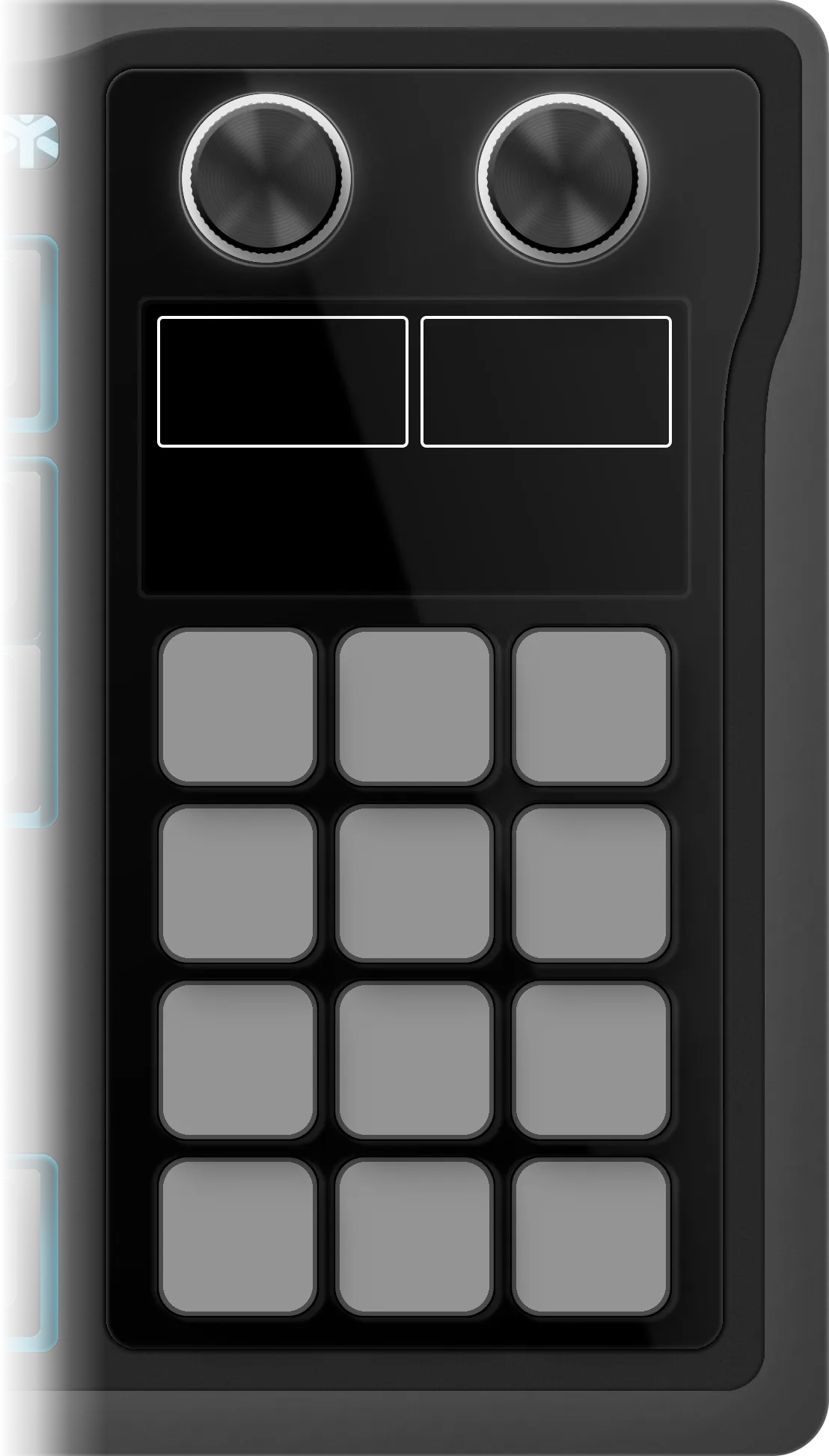
The edition as it installs on the Galleon 100 SD: 4 folders on its 12 keys, 33 shortcuts inside them. Press a folder or turn the left dial to walk them, turn or push the dials to see what they do.

Football Manager 27

€3.99 Get it on Elgato Open this deck on its own page →

This profile's own key art, drawn by the same code that builds the files you install — and a starting point, not a fixed layout. Once it is imported, every key, folder and page is yours to move, rename, re-icon or delete in the Elgato Stream Deck app. What this page cannot be is the rest of the box: one theme of the ones it ships, one board, one platform's key combinations.

Version history

Every published revision of this profile, newest first — what changed and why, in the maker's own words.

V1 Nov 11, 2026 Latest version

v1.0 — Initial release for the Corsair Galleon 100 SD. 33 keys in 4 folders (Screens, Bookmarks, Game, Help) and 4 dial actions: folder flip (push for home), inbox flow (Close / Unread, push: Continue), a wheel of Bookmark 1 to Bookmark 12 and a wheel of the Screens keys. The game's art on the dial screen. No plugin to install.

All 33 Football Manager 27 shortcuts

Every action in the profile with its key combination, grouped as it is on the device.

Bookmarks 12

Action macOS Windows
Open Bookmark 1 SHIFT 1 SHIFT 1
Open Bookmark 2 SHIFT 2 SHIFT 2
Open Bookmark 3 SHIFT 3 SHIFT 3
Open Bookmark 4 SHIFT 4 SHIFT 4
Open Bookmark 5 SHIFT 5 SHIFT 5
Open Bookmark 6 SHIFT 6 SHIFT 6
Open Bookmark 7 SHIFT 7 SHIFT 7
Open Bookmark 8 SHIFT 8 SHIFT 8
Open Bookmark 9 SHIFT 9 SHIFT 9
Open Bookmark 10 SHIFT 0 SHIFT 0
Open Bookmark 11 SHIFT MINUS SHIFT MINUS
Open Bookmark 12 SHIFT EQUAL SHIFT EQUAL

Screens 10

Action macOS Windows
Open Next Unread Message U U
Portal 1 1
Squad 2 2
Recruitment 3 3
Club 5 5
Career 6 6
FMPedia H H
Calendar C C
News Site N N
FM Menu SHIFT ESCAPE SHIFT ESCAPE

Game 8

Action macOS Windows
Continue / Pause SPACE SPACE
Go On Holiday SHIFT SPACE SHIFT SPACE
Close Card ESCAPE ESCAPE
Load Last Save — CTRL SHIFT R
Save Game — CTRL S
Save Game As — CTRL SHIFT S
Search — CTRL F
Preferences — CTRL P

Help 3

Action macOS Windows
FM27 Navigation & Shortcuts (Sports Interactive) — —
FM27 Features (footballmanager.com) — —
The Dugout — FM guides (Sports Interactive) — —

Football Manager 27 profile FAQ

How many shortcuts does the Football Manager 27 Stream Deck profile include?

33 shortcuts, grouped into 4 sets: Bookmarks (12), Screens (10), Game (8), Help (3).

Does the Football Manager 27 profile fit my Stream Deck?

Yes — it auto-paginates. Mini needs 7 pages, Neo needs 5 pages, MK.2 needs 3 pages, XL needs 2 pages, + needs 5 pages, + XL needs 1 page.

Can I rearrange the Football Manager 27 profile after installing it?

Yes — completely. It installs as 4 folders holding 33 shortcuts, and every one of them is yours from that moment: in the official Elgato Stream Deck app you can drag a key to another slot, rename it, change its icon, move it between folders, add your own actions or delete what you don't use. The layout is a starting point, not a lock.

Which operating systems does the Football Manager 27 profile support?

Windows and macOS. Each shortcut ships with its platform-specific key combination, so one profile covers both.

Need help with this profile?

Trouble installing it, a key that fires the wrong thing, or a shortcut Football Manager 27 changed in a recent version — that's ours to fix. The form arrives with Football Manager 27 already filled in.

Browse all 202 profiles →