Dune: Awakening for the Galleon 100 SD
V1All 30 Dune: Awakening shortcuts on your Stream Deck: Menus (9), Hotbar (8), Combat (6) + 2 more. One-click install, Windows.

- 30
- Shortcuts
- 5
- Groups
- Windows
- Platforms
- Gaming
- Category
By trade 12
Games 58
Plugins 17
Bundles 10
All 30 Dune: Awakening shortcuts on your Stream Deck: Menus (9), Hotbar (8), Combat (6) + 2 more. One-click install, Windows.
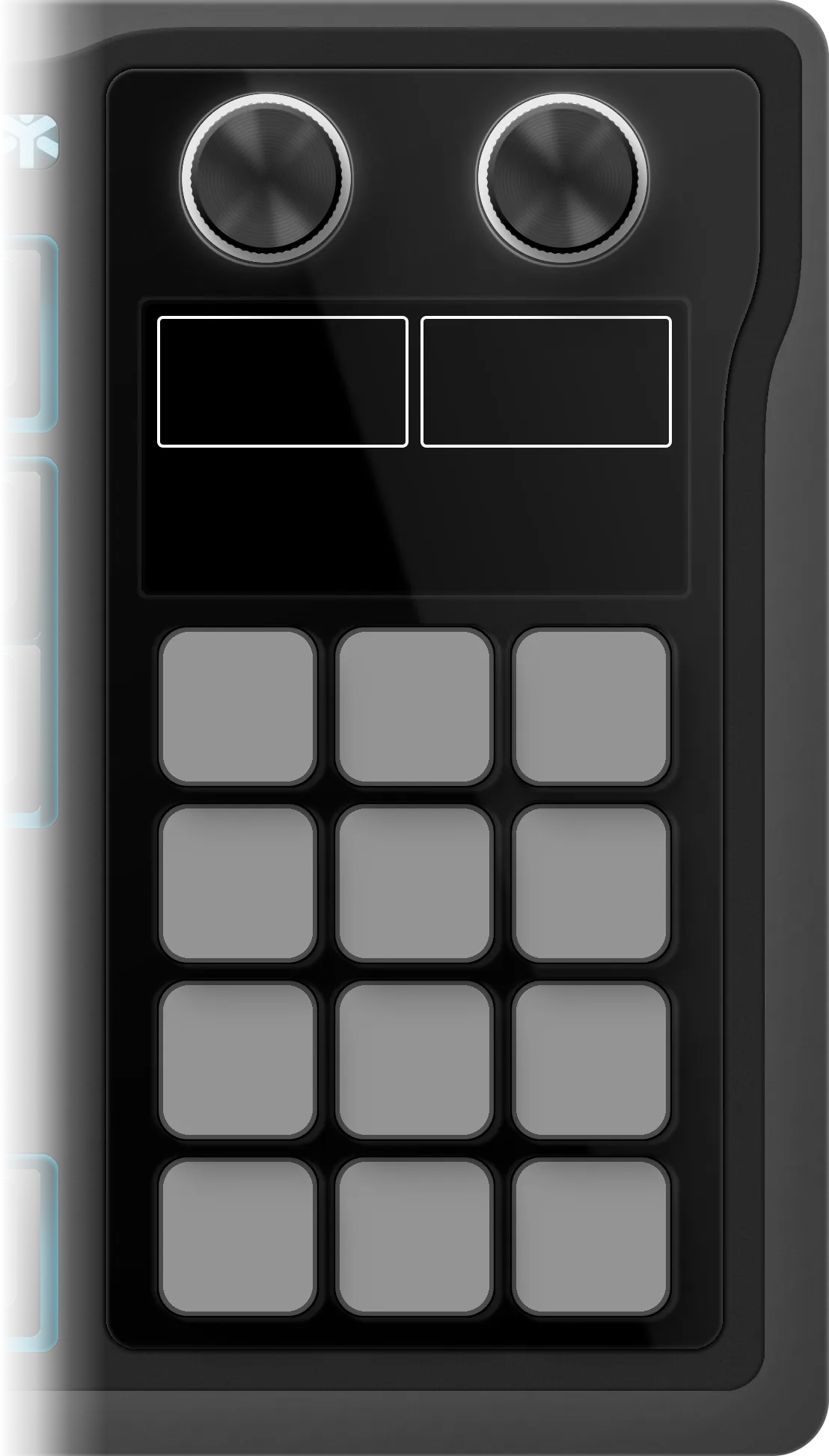
The edition as it installs on the Galleon 100 SD: 5 folders on its 12 keys, 30 shortcuts inside them. Press a folder or turn the left dial to walk them, turn or push the dials to see what they do.
Dune: Awakening
€4.99 Get it on Elgato Open this deck on its own page →
This profile's own key art, drawn by the same code that builds the files you install — and a starting point, not a fixed layout. Once it is imported, every key, folder and page is yours to move, rename, re-icon or delete in the Elgato Stream Deck app. What this page cannot be is the rest of the box: one theme of the ones it ships, one board, one platform's key combinations.
Every published revision of this profile, newest first — what changed and why, in the maker's own words.
v1.0 — Initial release for the Corsair Galleon 100 SD. 30 keys in 5 folders (Combat, Survival, Menus, Hotbar, Help) and 4 dial actions: folder flip (push for home), a wheel of the Combat keys, a wheel of Slot 1 to Slot 8 and a wheel of the Menus keys. The game's art on the dial screen. No plugin to install.
Every action in the profile with its key combination, grouped as it is on the device.
| Action | Windows |
|---|---|
| Open Map | M |
| Open Inventory | I |
| Open Crafting | B |
| Open Skills | K |
| Open Journey | J |
| Status Menu | T |
| Toggle UI Visibility | F6 |
| Open Chat | ENTER |
| Voice Chat | V |
| Action | Windows |
|---|---|
| Hotbar Slot 1 | 1 |
| Hotbar Slot 2 | 2 |
| Hotbar Slot 3 | 3 |
| Hotbar Slot 4 | 4 |
| Hotbar Slot 5 | 5 |
| Hotbar Slot 6 | 6 |
| Hotbar Slot 7 | 7 |
| Hotbar Slot 8 | 8 |
| Action | Windows |
|---|---|
| Ability 1 / Building Sub-Category Previous | Q |
| Ability 2 / Building Category Next | C |
| Ability 3 | X |
| Spice Prescience / Building Category Previous | Z |
| Toggle / Recharge Shields · Vehicle Headlights | H |
| Reload / Rotate Piece | R |
| Action | Windows |
|---|---|
| Primary Interaction / Building Sub-Category Next | E |
| Secondary Interaction · Drink from Catchpockets · Vehicle Wheel | F |
| Holster / Favorite Swap | G |
| Jump · Climb · Suspensors · E-Brake · Ornithopter Ascend | SPACE |
| Action | Windows |
|---|---|
| Funcom Help Centre | — |
| Official News | — |
| Steam Community | — |
30 shortcuts, grouped into 5 sets: Menus (9), Hotbar (8), Combat (6), Survival (4), Help (3).
Yes — it auto-paginates. Mini needs 6 pages, Neo needs 5 pages, MK.2 needs 3 pages, XL needs 1 page, + needs 5 pages, + XL needs 1 page.
Yes — completely. It installs as 5 folders holding 30 shortcuts, and every one of them is yours from that moment: in the official Elgato Stream Deck app you can drag a key to another slot, rename it, change its icon, move it between folders, add your own actions or delete what you don't use. The layout is a starting point, not a lock.
Windows only — every shortcut in it is a Windows combination. The install is one click either way.
Every review here was read and approved by the maker before it was published — good or bad, as written. Nothing is posted automatically.
No reviews of Dune: Awakening yet.
Bought Dune: Awakening? Leave a review Read by the maker before it's published.
Trouble installing it, a key that fires the wrong thing, or a shortcut Dune: Awakening changed in a recent version — that's ours to fix. The form arrives with Dune: Awakening already filled in.