Baldur's Gate 3 for the Galleon 100 SD

V1

All 52 Baldur's Gate 3 shortcuts on your Stream Deck: Combat/Actions (12), Hotbar (12), Party/Selection (9) + 4 more. One-click install, Windows & macOS.

Baldur's Gate 3 Stream Deck profile — the store artwork, showing its keys laid out on a deck
52
Shortcuts
7
Groups
Windows · macOS
Platforms
Gaming
Category

See it on a deck

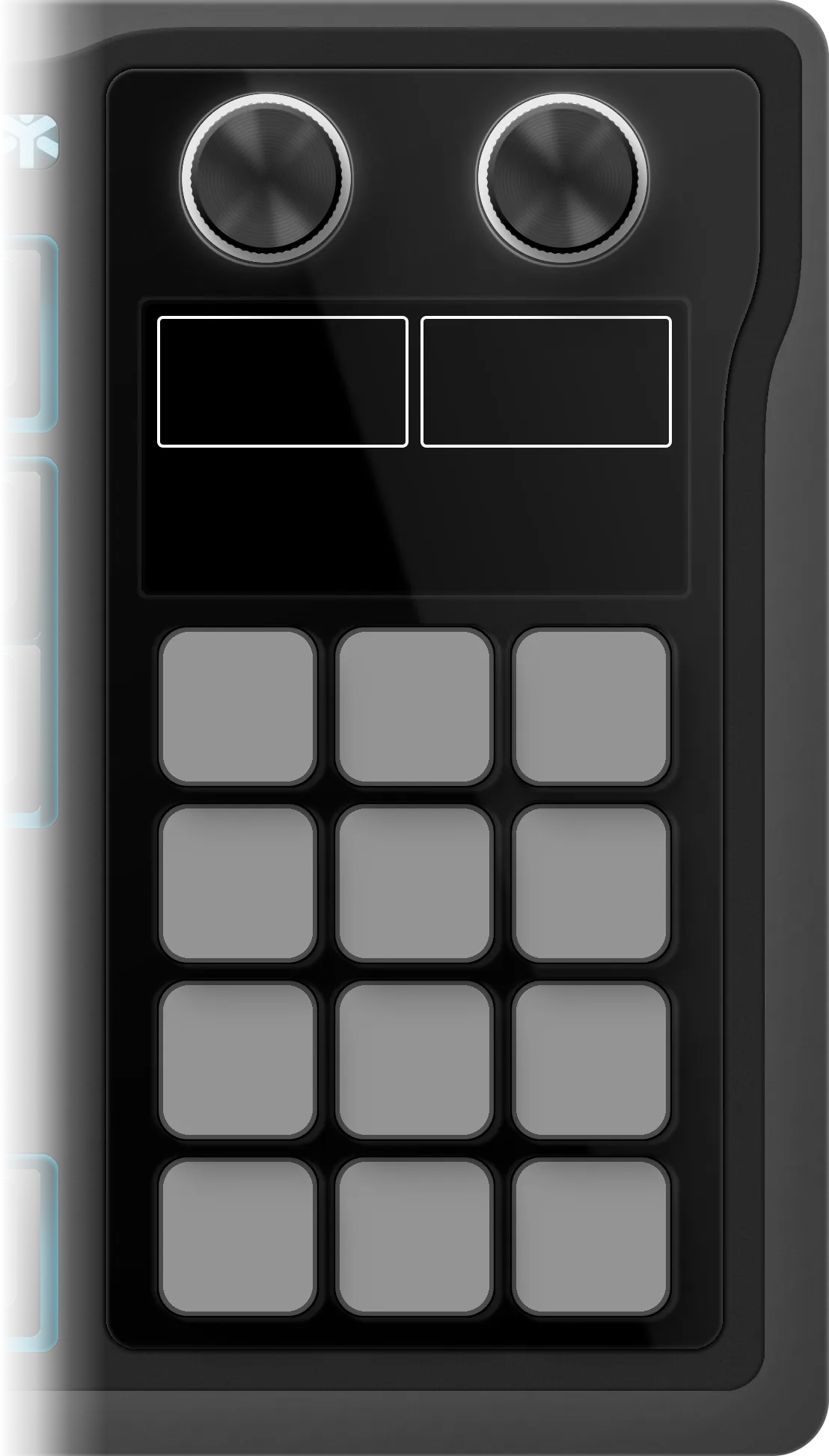
The edition as it installs on the Galleon 100 SD: 6 folders on its 12 keys, 52 shortcuts inside them. Press a folder or turn the left dial to walk them, turn or push the dials to see what they do.

Baldur's Gate 3

€4.99 Get it on Elgato Open this deck on its own page →

This profile's own key art, drawn by the same code that builds the files you install — and a starting point, not a fixed layout. Once it is imported, every key, folder and page is yours to move, rename, re-icon or delete in the Elgato Stream Deck app. What this page cannot be is the rest of the box: one theme of the ones it ships, one board, one platform's key combinations.

Version history

Every published revision of this profile, newest first — what changed and why, in the maker's own words.

V1 Nov 11, 2026 Latest version

v1.0 — Initial release for the Corsair Galleon 100 SD. 52 keys in 6 folders (UI/Menus, Party/Selection, Inventory & Character, Hotbar, Combat/Actions, Interaction & Help) and 4 dial actions: folder flip (push for home), select character (Prev / Next), a wheel of Slot 1 to Slot 12 and a wheel of the Combat/Actions keys. The game's art on the dial screen. No plugin to install.

All 52 Baldur's Gate 3 shortcuts

Every action in the profile with its key combination, grouped as it is on the device.

Combat/Actions 12

Action macOS Windows
Jump Z Z
Shove V V
Throw X X
Toggle Hide (Stealth) C C
Toggle Group Hide SHIFT C SHIFT C
Toggle Weapon Set F F
Toggle Dual Wielding R R
Sheathe/Unsheathe Weapon U U
Short Rest Y Y
End Turn / Turn-Based Mode SPACE SPACE
Toggle Tactical Camera O O
Leave Turn-based SHIFT SPACE SHIFT SPACE

Hotbar 12

Action macOS Windows
Action Slot 0 0 0
Action Slot 1 1 1
Action Slot 2 2 2
Action Slot 3 3 3
Action Slot 4 4 4
Action Slot 5 5 5
Action Slot 6 6 6
Action Slot 7 7 7
Action Slot 8 8 8
Action Slot 9 9 9
Action Slot 11 MINUS MINUS
Action Slot 12 EQUAL EQUAL

Party/Selection 9

Action macOS Windows
Toggle Group Mode G G
Select Character 1 F1 F1
Select Character 2 F2 F2
Select Character 3 F3 F3
Select Character 4 F4 F4
Select Previous Character [ [
Select Next Character ] ]
Cycle Characters RIGHTBRACKET RIGHTBRACKET
Highlight Characters BACKTICK BACKTICK

Inventory & Character 7

Action macOS Windows
Character Sheet N N
Inventory and Equipment I I
Spellbook K K
Party View TAB TAB
Reactions L L
Illithid Powers B B
Toggle Equipment E E

UI/Menus 7

Action macOS Windows
Journal J J
Map M M
Quicksave F5 F5
Quickload F8 F8
Cancel Action / Menu ESC ESC
Show/Hide UI F10 F10
Center Camera HOME HOME

Interaction 4

Action macOS Windows
Highlight Characters ` `
Examine / Pin Tooltip T T
Place Ping Beacon BACKSLASH BACKSLASH
Show Text Chat ENTER ENTER

Help 1

Action macOS Windows
Open Controls Wiki — —

Baldur's Gate 3 profile FAQ

How many shortcuts does the Baldur's Gate 3 Stream Deck profile include?

52 shortcuts, grouped into 7 sets: Combat/Actions (12), Hotbar (12), Party/Selection (9), Inventory & Character (7), UI/Menus (7), Interaction (4), Help (1).

Does the Baldur's Gate 3 profile fit my Stream Deck?

Yes — it auto-paginates. Mini needs 11 pages, Neo needs 8 pages, MK.2 needs 4 pages, XL needs 2 pages, + needs 8 pages, + XL needs 2 pages.

Can I rearrange the Baldur's Gate 3 profile after installing it?

Yes — completely. It installs as 6 folders holding 52 shortcuts, and every one of them is yours from that moment: in the official Elgato Stream Deck app you can drag a key to another slot, rename it, change its icon, move it between folders, add your own actions or delete what you don't use. The layout is a starting point, not a lock.

Which operating systems does the Baldur's Gate 3 profile support?

Windows and macOS. Each shortcut ships with its platform-specific key combination, so one profile covers both.

Reviews

Every review here was read and approved by the maker before it was published — good or bad, as written. Nothing is posted automatically.

No reviews of Baldur's Gate 3 yet.

Bought Baldur's Gate 3? Leave a review Read by the maker before it's published.

Need help with this profile?

Trouble installing it, a key that fires the wrong thing, or a shortcut Baldur's Gate 3 changed in a recent version — that's ours to fix. The form arrives with Baldur's Gate 3 already filled in.

Browse all 200 profiles →