The Sims 3 Stream Deck Profile
V1All 88 The Sims 3 shortcuts on your Stream Deck: Debug & Fun (23), Modes & Time (14), Build Cheats (14) + 5 more. One-click install, Windows & macOS.

- 88
- Shortcuts
- 8
- Groups
- Windows · macOS
- Platforms
- Gaming
- Category
All 88 The Sims 3 shortcuts on your Stream Deck: Debug & Fun (23), Modes & Time (14), Build Cheats (14) + 5 more. One-click install, Windows & macOS.
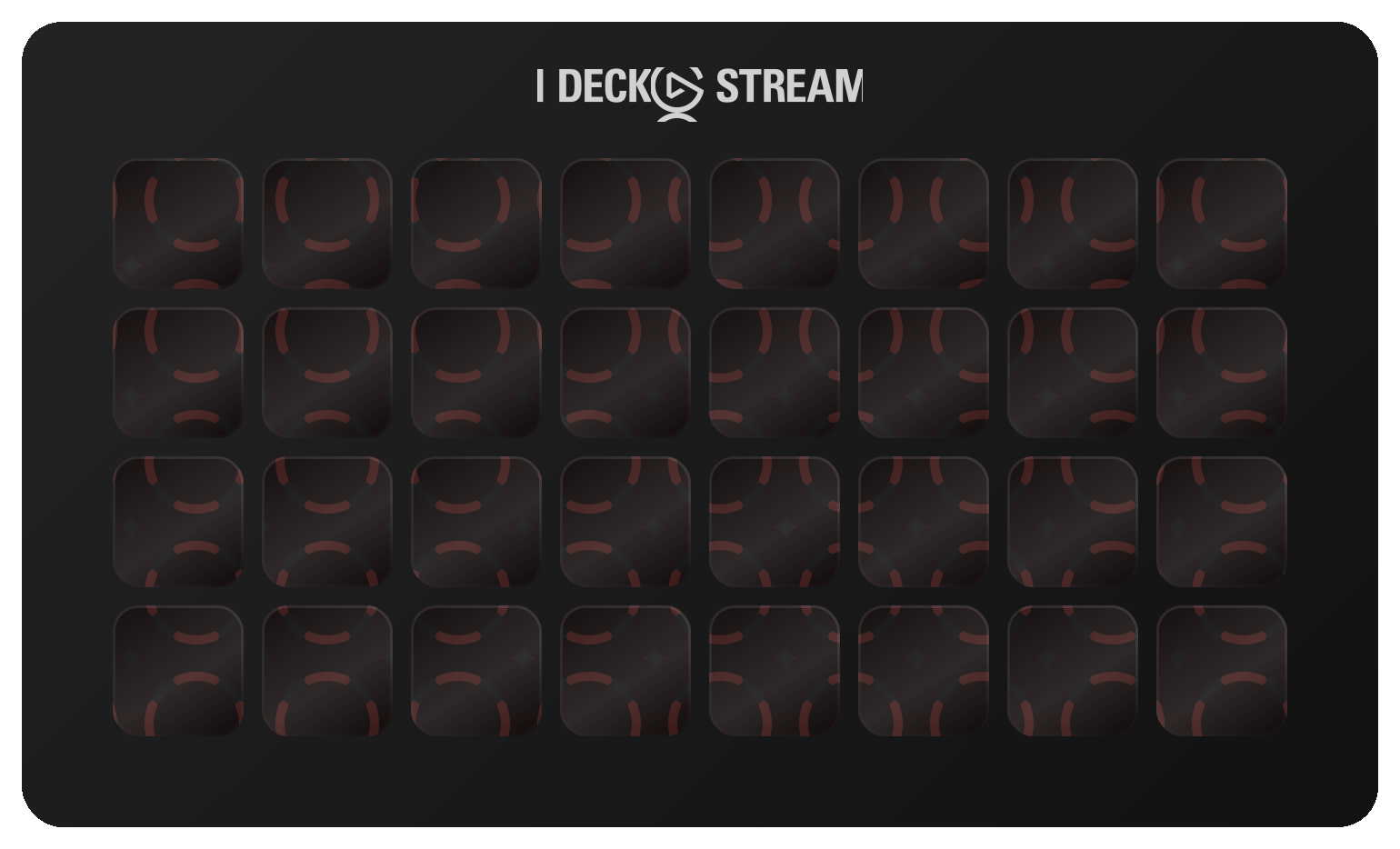
The first 32 of 88 shortcuts, laid out as they install. Press a key to see what it fires.
€5.99 Get it on Elgato Open this deck on its own page →
This profile's own key art, drawn by the same code that builds the files you install — and a starting point, not a fixed layout. Once it is imported, every key, folder and page is yours to move, rename, re-icon or delete in the Elgato Stream Deck app. What this page cannot be is the rest of the box: one theme of the ones it ships, two Stream Deck models of six, one platform's key combinations, and no dials.
Every published revision of this profile, newest first — what changed and why, in the maker's own words.
v1.0 — 2026-10-15 — First release. 88 keys for The Sims 3 across eight folders, including 42 one-press cheats. Windows and macOS. Keys only — no dials.
Every action in the profile with its key combination, grouped as it is on the device.
| Action | macOS | Windows |
|---|---|---|
| Testing Cheats On | — | — |
| Testing Cheats Off | — | — |
| Reset Every Sim in Town | — | — |
| Unlock Career Outfits On | — | — |
| Unlock Career Outfits Off | — | — |
| Slow Motion (slowMotionViz 8) | — | — |
| Normal Motion (slowMotionViz 0) | — | — |
| Moviemaker Cheats On | — | — |
| All Sound Off | — | — |
| All Sound On | — | — |
| Discover All Uncharted Islands (Island Paradise) | — | — |
| Hide Bubbles and Plumbob | — | — |
| Show Bubbles and Plumbob | — | — |
| Fade Objects On | — | — |
| Fade Objects Off | — | — |
| Frame Counter On | — | — |
| Frame Counter Off | — | — |
| Map Tags Off | — | — |
| Map Tags On | — | — |
| Llamas On | — | — |
| Llamas Off | — | — |
| Tell Me a Joke | — | — |
| List Every Cheat | — | — |
| Action | macOS | Windows |
|---|---|---|
| Live Mode | F1 | F1 |
| Buy Mode | F2 | F2 |
| Build Mode | F3 | F3 |
| Options | F5 | F5 |
| Map View | M | M |
| Cameraman Mode | TAB | TAB |
| Hide / Show UI | F10 | F10 |
| Cheat Console | CMD SHIFT C | CTRL SHIFT C |
| Cancel | ESCAPE | ESCAPE |
| Pause | P | P |
| Normal Speed | 1 | 1 |
| Fast Speed | 2 | 2 |
| Ultra Speed | 3 | 3 |
| Fast-Forward to End of Interaction | 4 | 4 |
| Action | macOS | Windows |
|---|---|---|
| Move Objects On | — | — |
| Move Objects Off | — | — |
| Buy Debug On | — | — |
| Buy Debug Off | — | — |
| Free Terrain (constrainFloorElevation false) | — | — |
| Constrain Terrain (constrainFloorElevation true) | — | — |
| No Slot Snapping with Alt | — | — |
| Slot Snapping with Alt | — | — |
| Objects on Roofs On | — | — |
| Objects on Roofs Off | — | — |
| Place Friezes On (Ambitions) | — | — |
| Place Friezes Off (Ambitions) | — | — |
| Always Allow Build/Buy On | — | — |
| Always Allow Build/Buy Off | — | — |
| Action | macOS | Windows |
|---|---|---|
| Switch to Next Sim | SPACE | SPACE |
| Center on Active Sim | ENTER | ENTER |
| Center on Selected Sim's Lot | SHIFT ENTER | SHIFT ENTER |
| Skill Journal | J | J |
| Inventory | I | I |
| Take a Snapshot | C | C |
| Start / End Video Capture | V | V |
| Next Floor Up | PAGE_UP | PAGE_UP |
| Next Floor Down | PAGE_DOWN | PAGE_DOWN |
| Next Wall Mode | HOME | HOME |
| Previous Wall Mode | END | END |
| Action | macOS | Windows |
|---|---|---|
| Go to Camera Position 1 | 5 | 5 |
| Go to Camera Position 2 | 6 | 6 |
| Go to Camera Position 3 | 7 | 7 |
| Go to Camera Position 4 | 8 | 8 |
| Go to Camera Position 5 | 9 | 9 |
| Save Camera Position 1 | CMD 5 | CTRL 5 |
| Save Camera Position 2 | CMD 6 | CTRL 6 |
| Save Camera Position 3 | CMD 7 | CTRL 7 |
| Save Camera Position 4 | CMD 8 | CTRL 8 |
| Save Camera Position 5 | CMD 9 | CTRL 9 |
| Level the Camera Roll (Cameraman) | SHIFT S | SHIFT S |
| Action | macOS | Windows |
|---|---|---|
| Rotate Object Left | COMMA | COMMA |
| Rotate Object Right | PERIOD | PERIOD |
| Delete Object | DELETE | DELETE |
| Move Object to Next Slot | M | M |
| Undo | CMD Z | CTRL Z |
| Redo | CMD Y | CTRL Y |
| Full / Quarter Tile Mode | CMD F | CTRL F |
| Action | macOS | Windows |
|---|---|---|
| Motherlode (+§50,000) | — | — |
| Kaching (+§1,000) | — | — |
| Free Real Estate | — | — |
| Enable Lot Locking | — | — |
| Disable Lot Locking | — | — |
| Action | macOS | Windows |
|---|---|---|
| The Sims 3 on EA | — | — |
| The Sims 3 on Steam | — | — |
| Sims 3 cheats on the Sims Wiki | — | — |
The Sims 3 keyboard shortcuts on ShortcutPosters → — the same shortcuts as a printable reference, with the source documentation each one was checked against.
88 shortcuts auto-paginate to fit any Stream Deck — one key per page is reserved for navigation.
88 shortcuts, grouped into 8 sets: Debug & Fun (23), Modes & Time (14), Build Cheats (14), Live & House (11), Camera (11), Build/Buy (7), Money & Lots (5), Help (3).
Yes — it auto-paginates. Mini needs 18 pages, Neo needs 13 pages, MK.2 needs 7 pages, XL needs 3 pages, + needs 13 pages, + XL needs 3 pages.
Yes — completely. It installs as 88 shortcuts laid out across as many pages as your device needs, and every one of them is yours from that moment: in the official Elgato Stream Deck app you can drag a key to another slot, rename it, change its icon, group keys into your own folders, add your own actions or delete what you don't use. The layout is a starting point, not a lock.
Windows and macOS. Each shortcut ships with its platform-specific key combination, so one profile covers both.
Every review here was read and approved by the maker before it was published — good or bad, as written. Nothing is posted automatically.
No reviews of The Sims 3 yet.
Bought The Sims 3? Leave a review Read by the maker before it's published.
Trouble installing it, a key that fires the wrong thing, or a shortcut The Sims 3 changed in a recent version — that's ours to fix. The form arrives with The Sims 3 already filled in.
The whole gaming bench — 57 profiles,
2,986 shortcuts
, 16 icon packs →
Browse all 187 profiles →